
© Felix Rome / Mara Predator Conservation Program


Requirements:
Orders are created by your VECTRONIC sales contact. Once an order has been assigned to your account, it will appear in the tab Orders of MyVectronic.
Table of contents
The tab Orders allows you to manage orders and get an overview of their configuration and status.
Order view
Below is an example of an order view.
Order A holds the Order Status In Configuration and has:
- a first item that is still Incomplete.
- a second item that is Complete.
- a blank Addresses | Payment section.
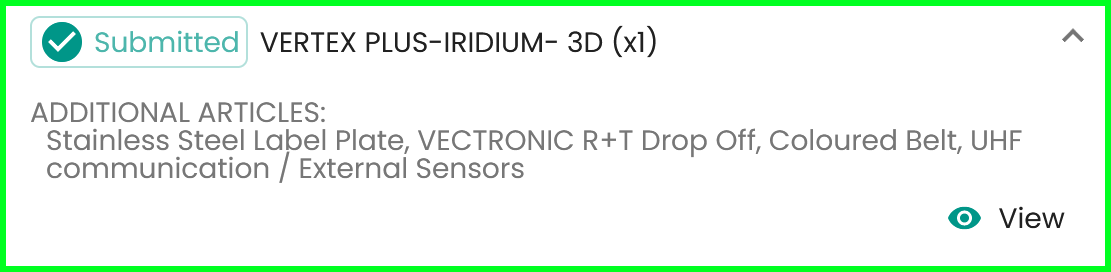
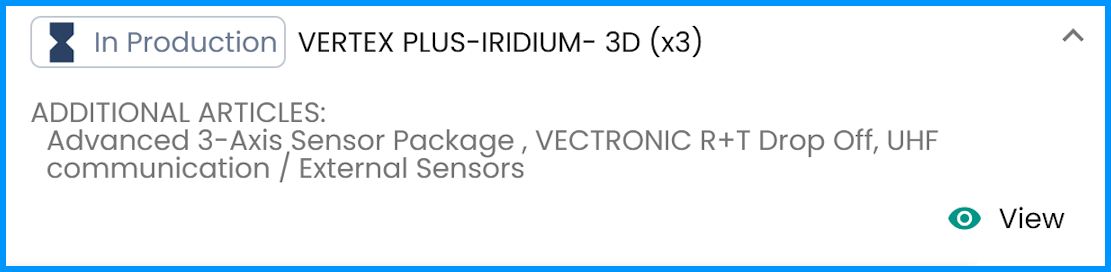
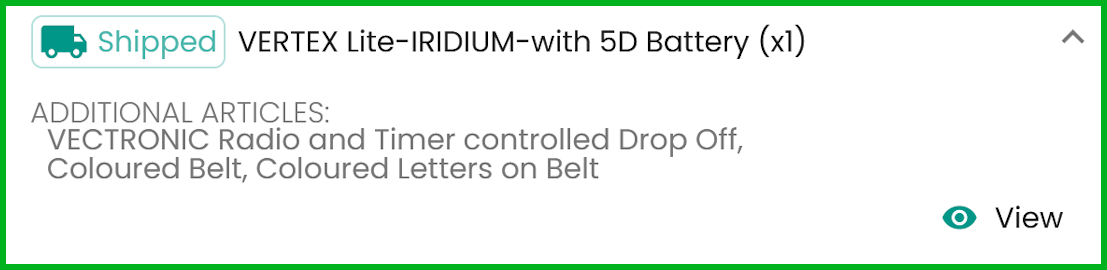
Order B holds the Order Status Submitted and has:
- a first item that is Submitted.
- a second item that is In Production.
- a third item that is Shipped.
- a filled in Addresses | Payment section.
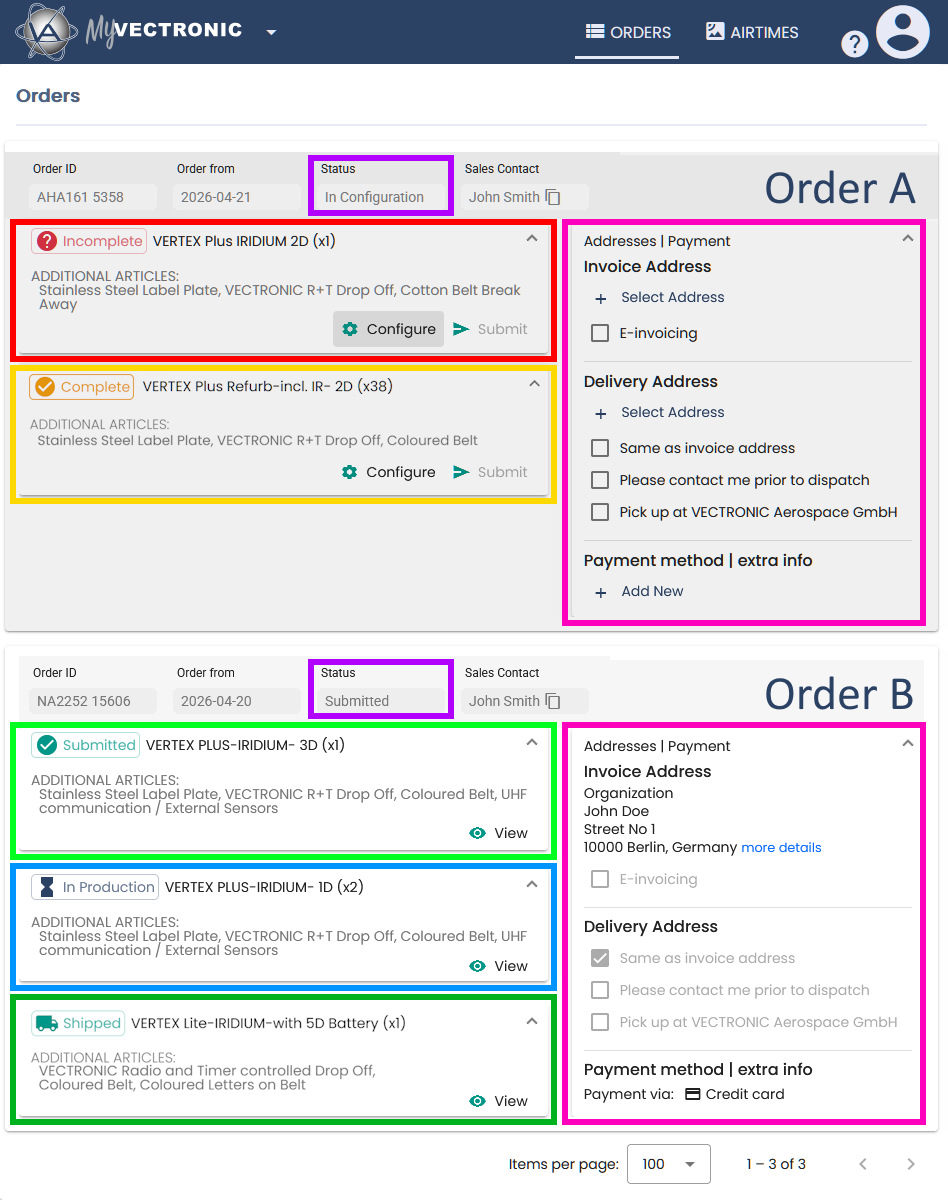
To make an order executable, all fields within all the order items, as well as the section Addresses | Payment, are required to be filled in correctly and completely.
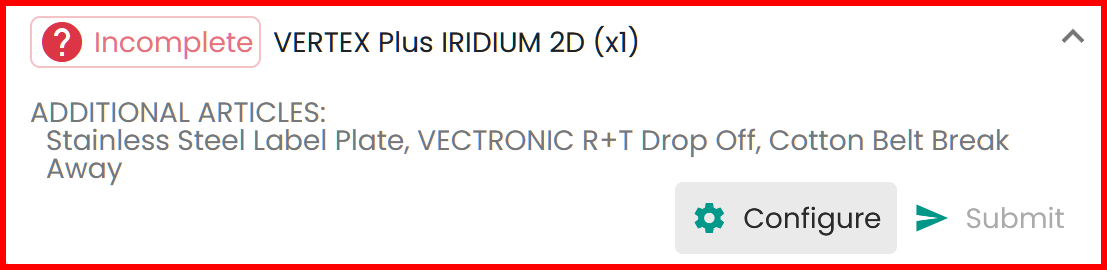
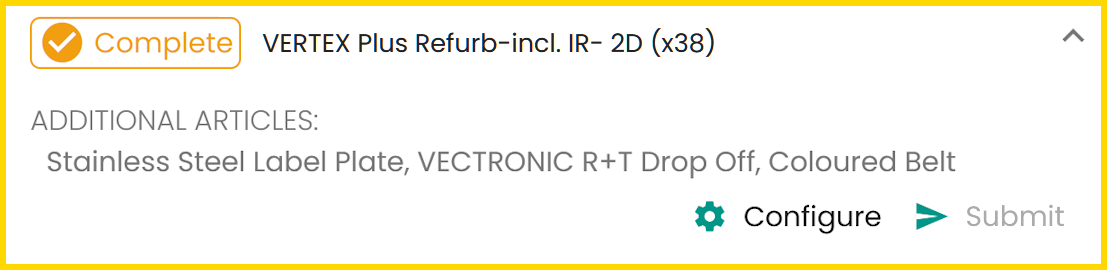
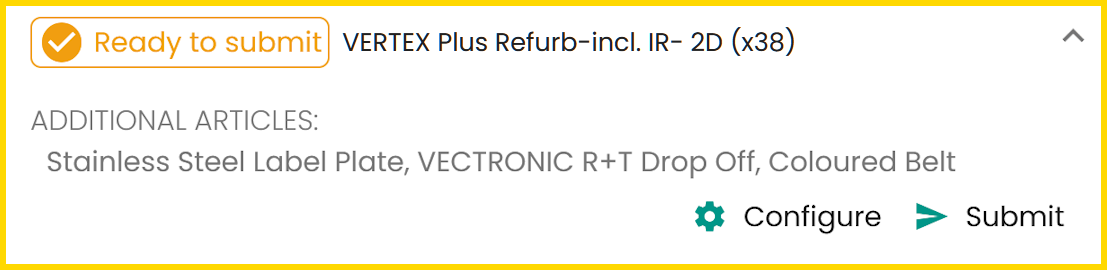
Here is an overview of the order item statuses and how to handle them.
Order item status

 /
/



Addresses | Payment
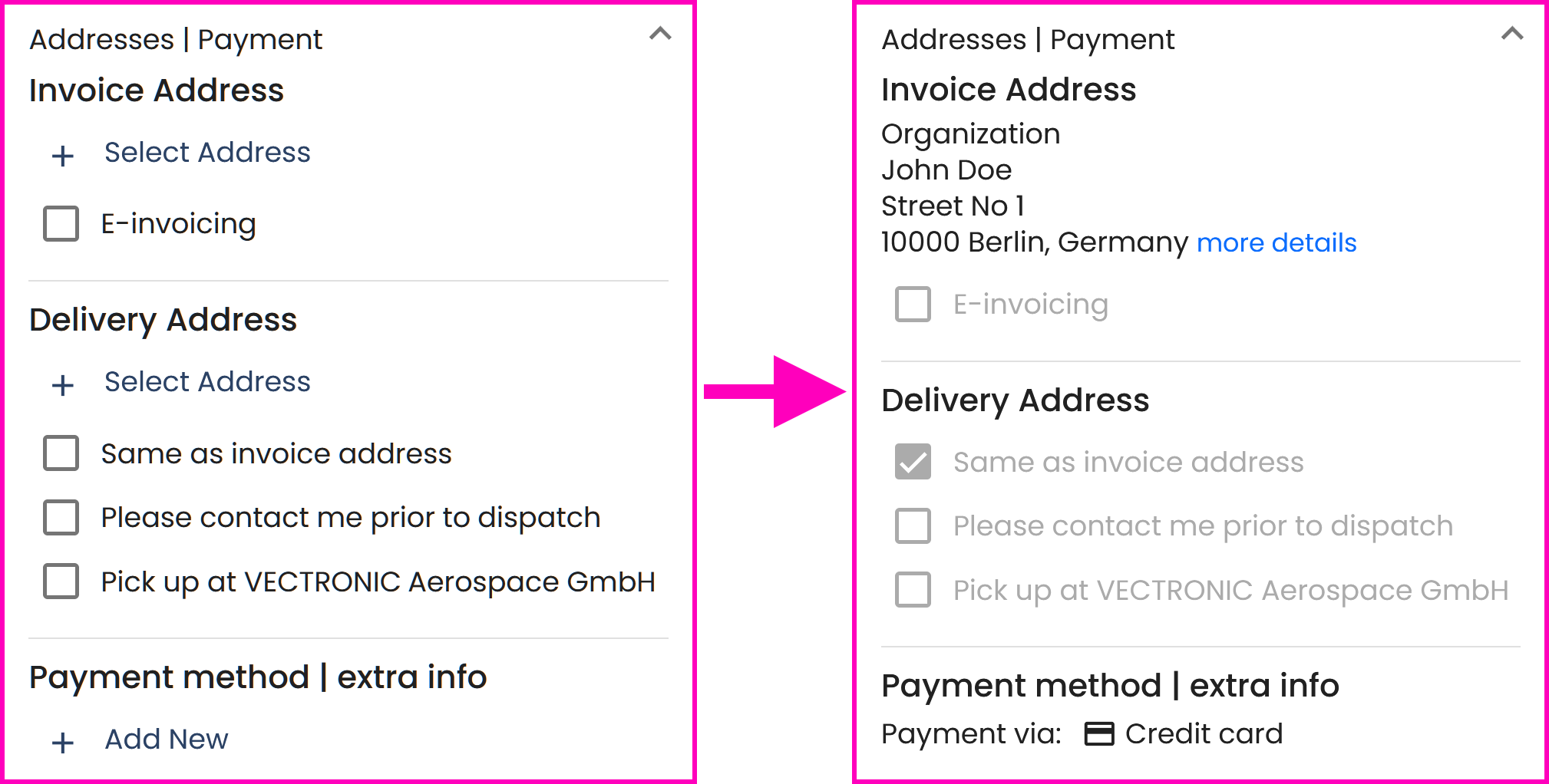
The order section Addresses | Payment needs to be filled in correctly and completely. The following information must be provided:
Invoice Address:
• Organization
• Full Name
• Street Address
• Postal Code, Country
Delivery Address:
Enter an address here in the same way, or use the checkboxes shown.
Payment method | extra info:
Choose one of the available payment methods.
This screenshot illustrates the concept:
Order status

The higher-level Order Status follows the lower-level order Item statuses described above and reflects the earliest status that is still present within the order according to the following priority:
In Configuration → Submitted → In Production → Shipped
Therefore, the following table does not explain the meaning of the Order Status again, but describes how the Order Status follows the order item statuses.
| Order Status | Description |
| In Configuration | If at least one order item is still editable, i.e. in status Incomplete or Complete/Ready to submit, the overall status of the order continues to be displayed as In Configuration. |
| Submitted | If at least one order item still has the status Submitted, the overall status of the order continues to be displayed as Submitted. |
| In Production | If at least one order item still has the status In Production, the overall status of the order continues to be displayed as In Production. |
| Shipped | Only when all order items have been marked as Shipped the order status will be displayed as Shipped. |
Order item configuration view

By clicking the button  Configure, of an order item that is still editable, i.e. in status Incomplete or Complete/Ready to submit, you can access its order item configuration:
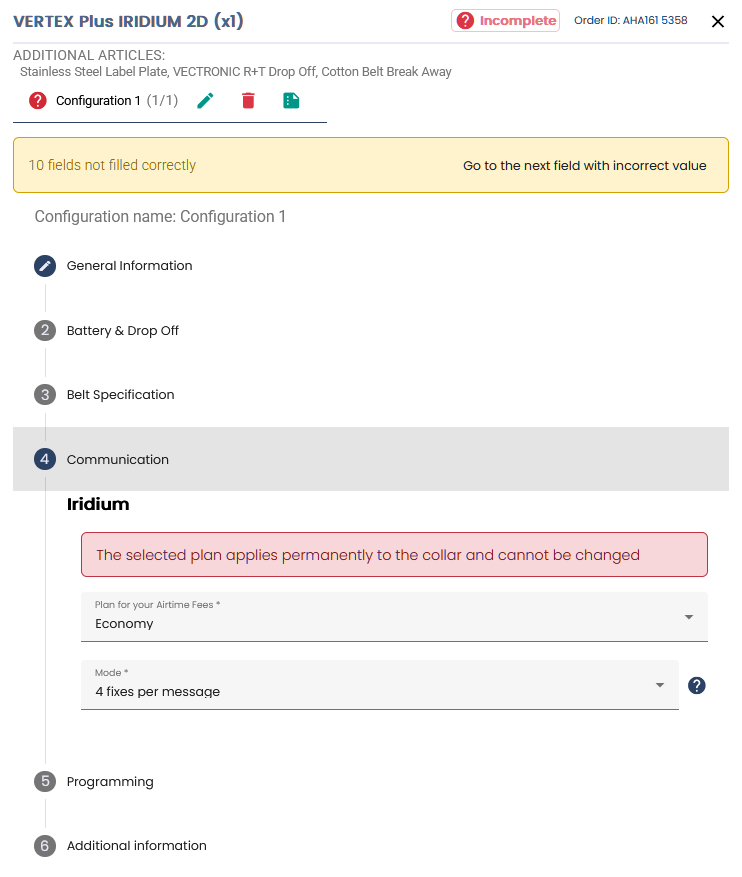
A yellow help dialog box leads to each field that needs to be completed. Only when all fields have been filled in correctly and completely can the order item be finalized by the button  Submit:

Tip: By clicking on the text Go to the next field with incorrect value you will be directed to these fields without further searching.
The order item configuration view provides the following buttons:
| Button | Description |
 |
Change the name of the configuration and the number of devices. |
 |
Delete the configuration. |
 |
Provide explanations if you need further details. |
Order item details view

By clicking the button  View, of an order item that is not editable anymore, i.e. in status Submitted, In Production or Shipped you can access its order item configuration view:
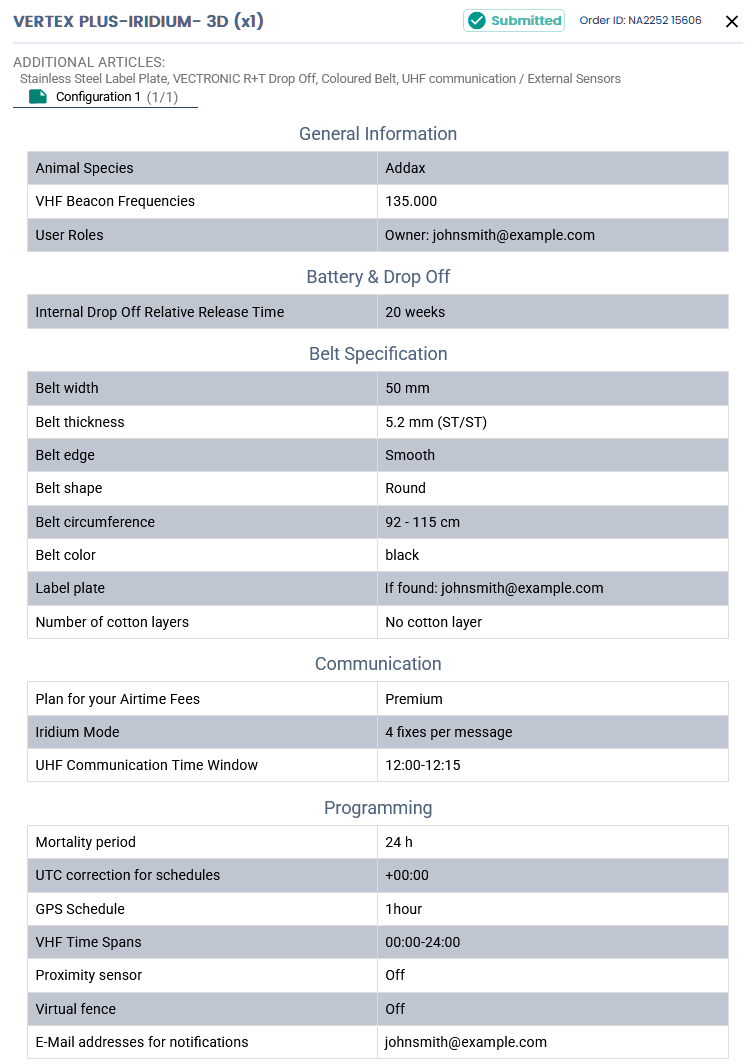
This order item details view does not provide any buttons or interactions. It is only available to keep track of the order item status and view the order item details.