© Felix Rome / Mara Predator Conservation Program

INVENTA
From the Devices menu, click Collars
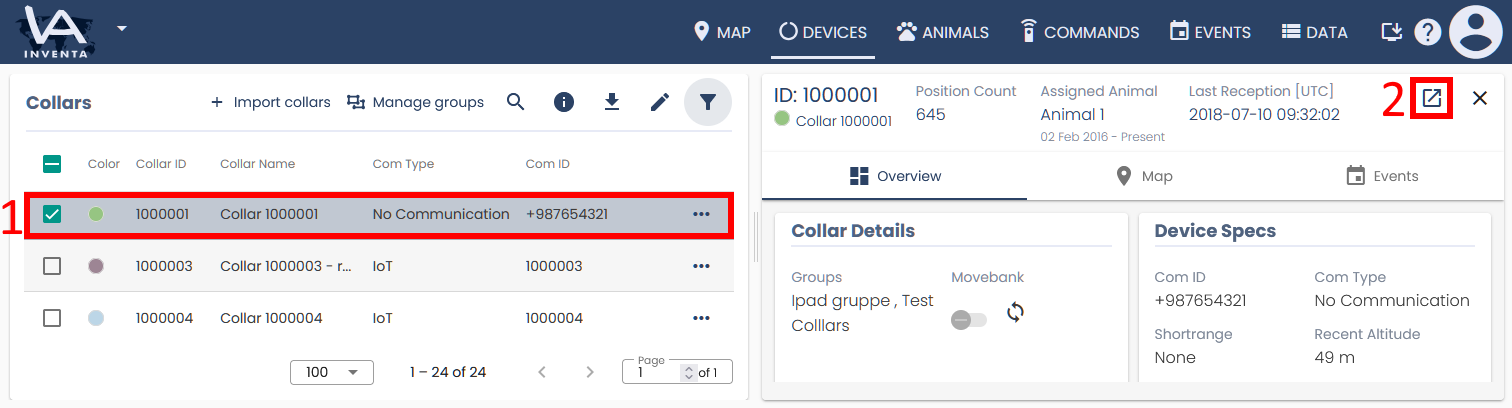
1. Click the row of the collar you want to edit.
2. In the collar properties panel, click the Show details icon  in the upper right corner:
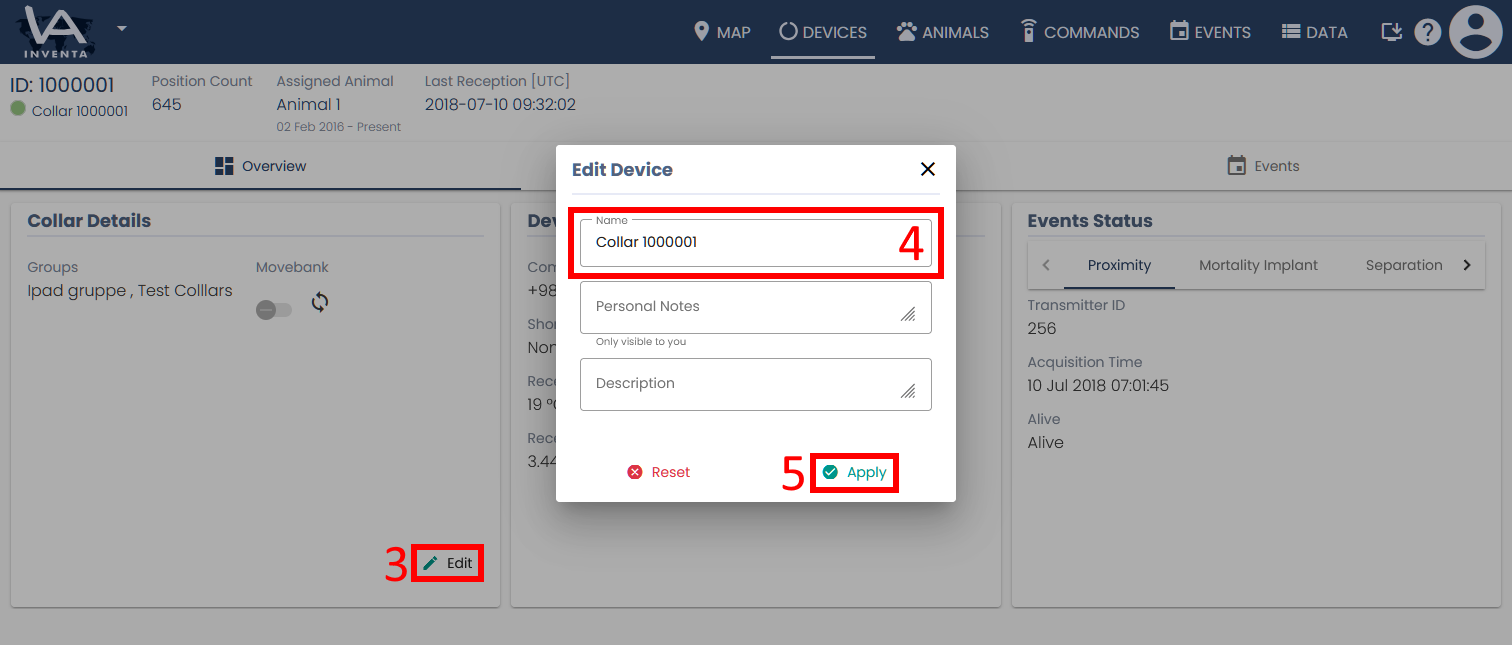
3. Click the Edit button 
4. In the Edit Collar dialog box, enter a new collar name in the Name field.
5. Click Apply.