
© Felix Rome / Mara Predator Conservation Program

INVENTA
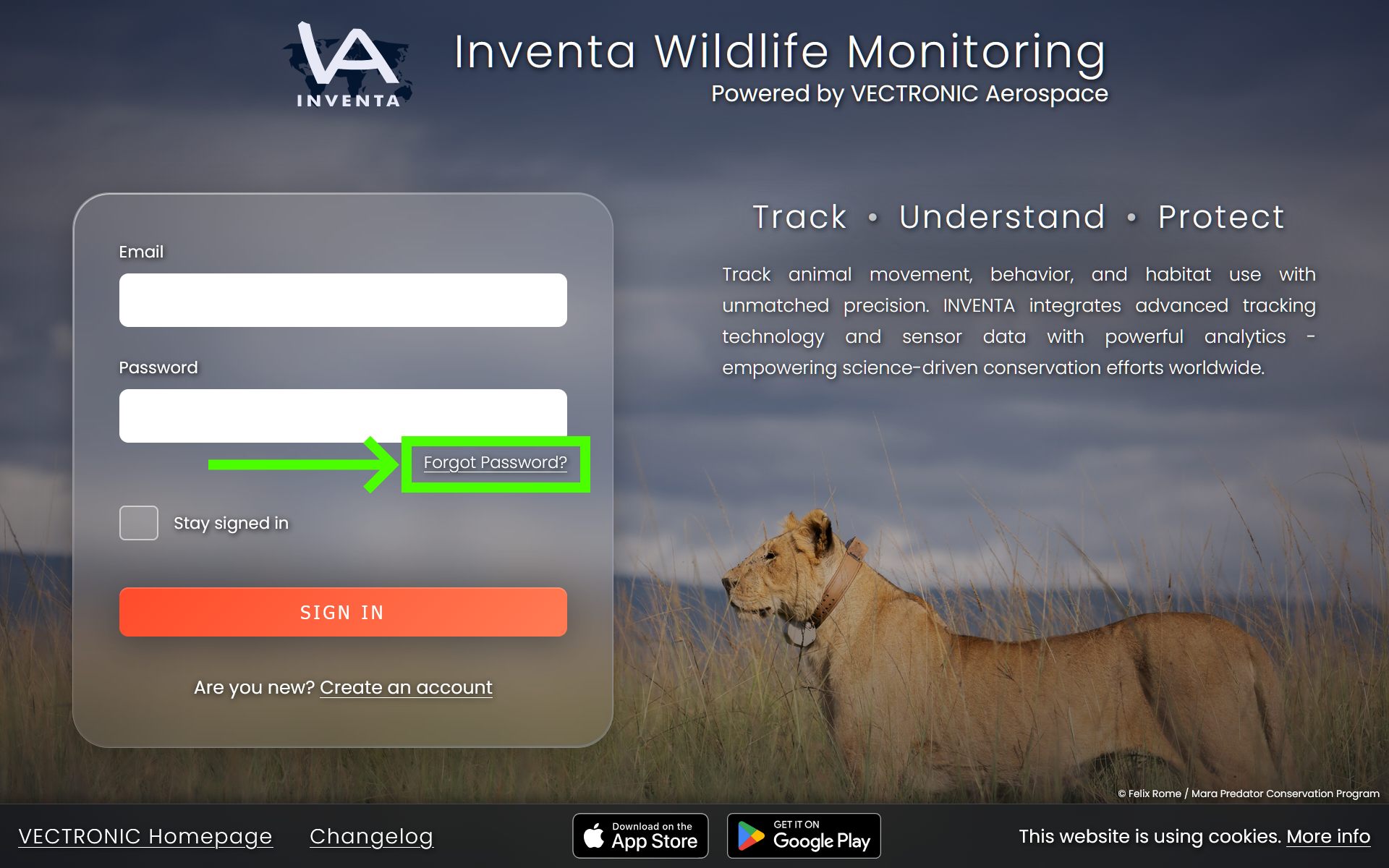
To reset the password for your INVENTA account, please visit: https://inventa.vectronic-wildlife.com
Then click: Forgot Password?
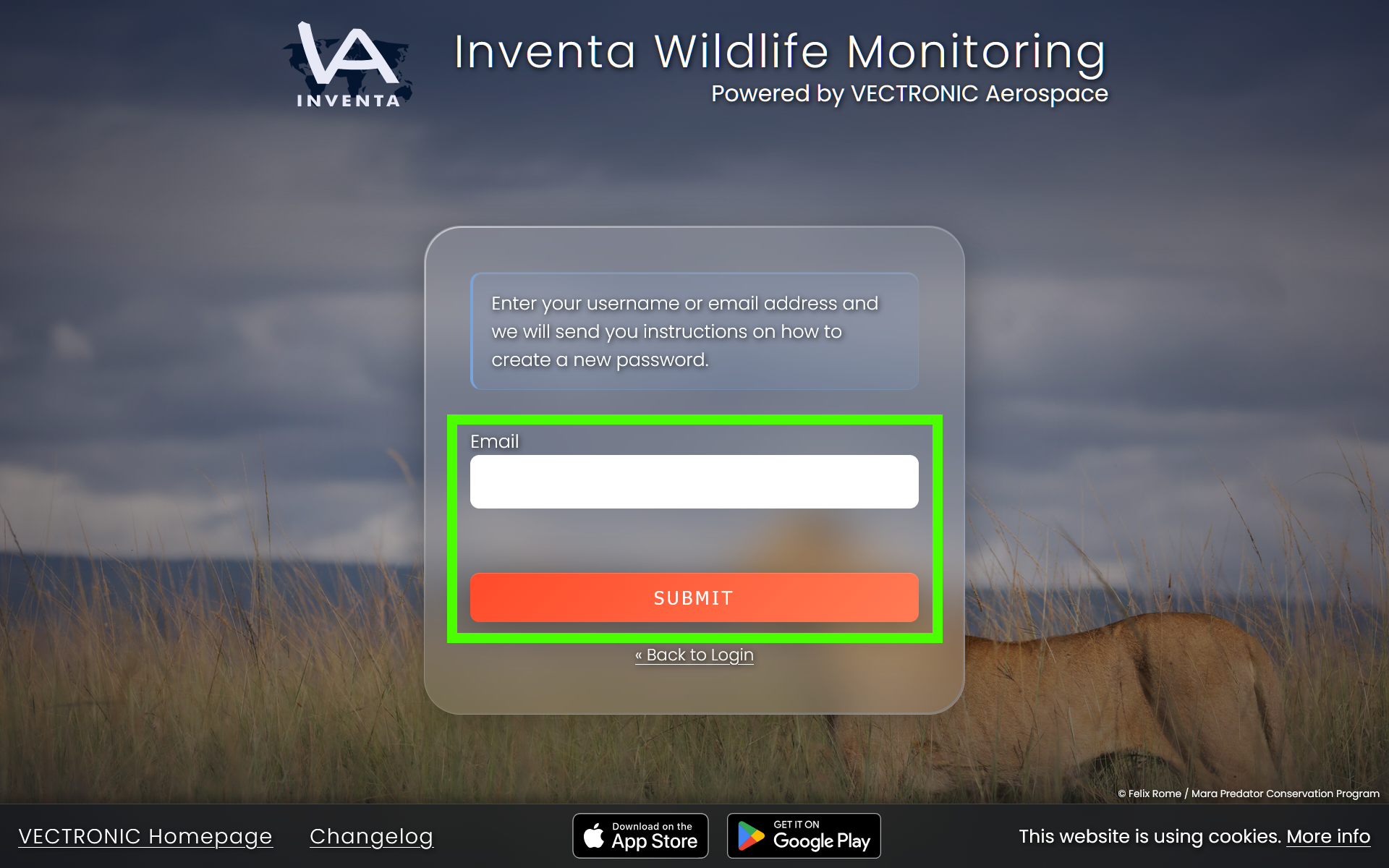
In the next step, enter the email address you use to log in to your INVENTA account.
Then click the button Submit.
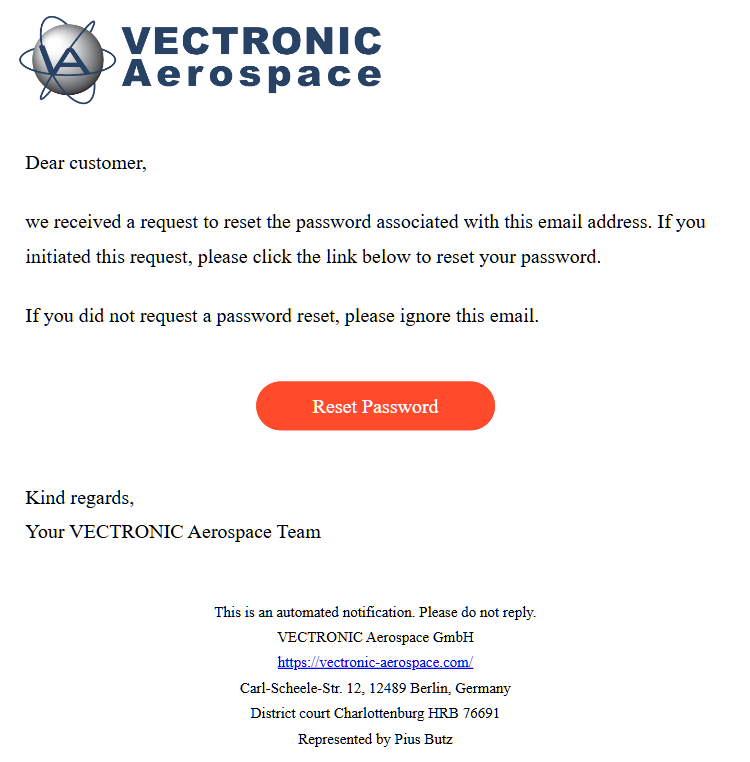
The email address you provided will receive a password reset email in which you can click the button Reset Password.
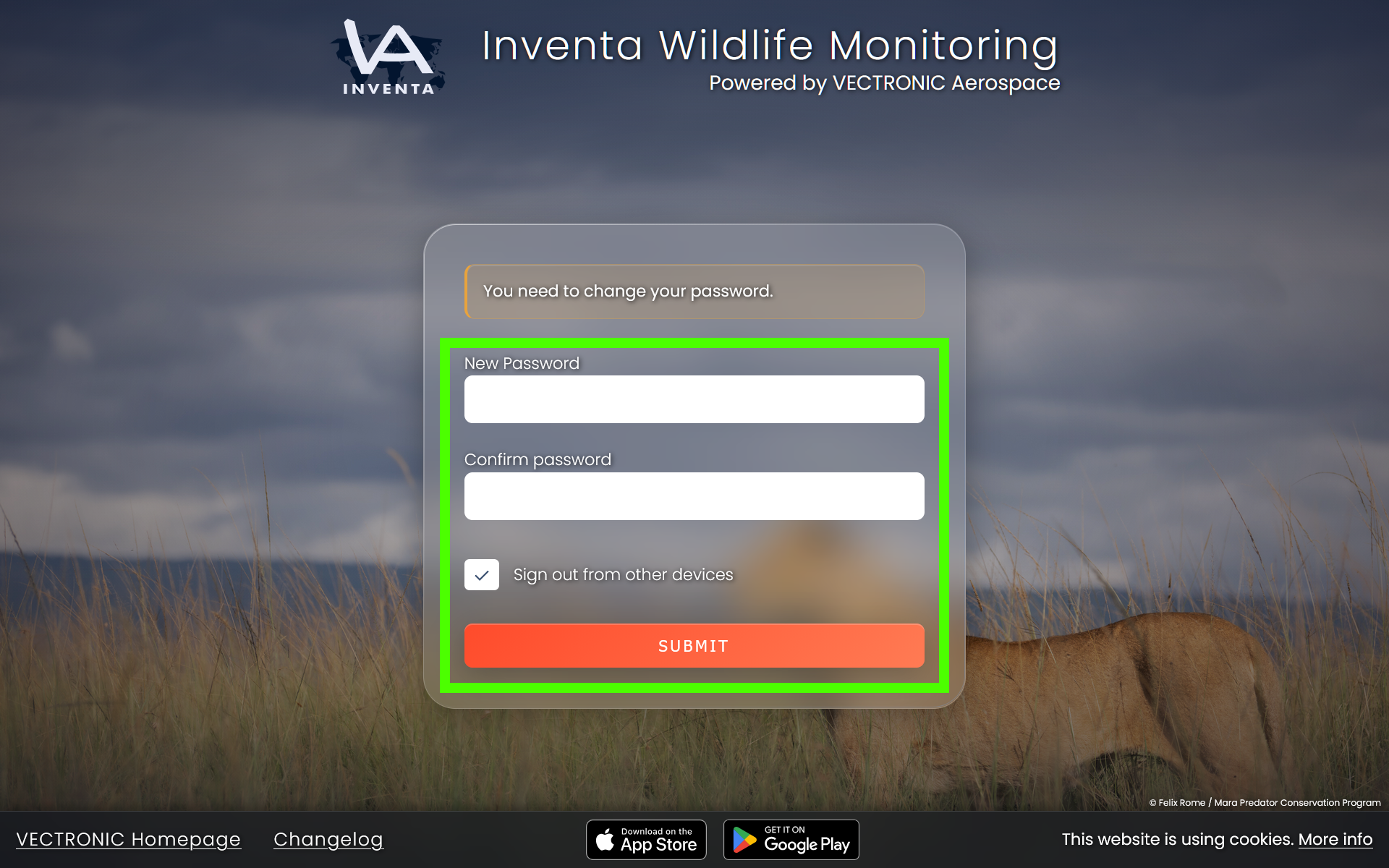
You will be redirected to a page where you can enter your new password.
To be on the safe side you have to enter this password a second time.
After that, click on the button Submit below.
Good to know:
- If it seems like you are not receiving any password reset emails, please check your junk mail or spam folder first.
- If you never receive a password reset email, there may be no account associated with the email address you entered.
- In that case, please try creating a new account.