© Felix Rome / Mara Predator Conservation Program

INVENTA
INVENTA provides three options for viewing the positions of your collars on a map.
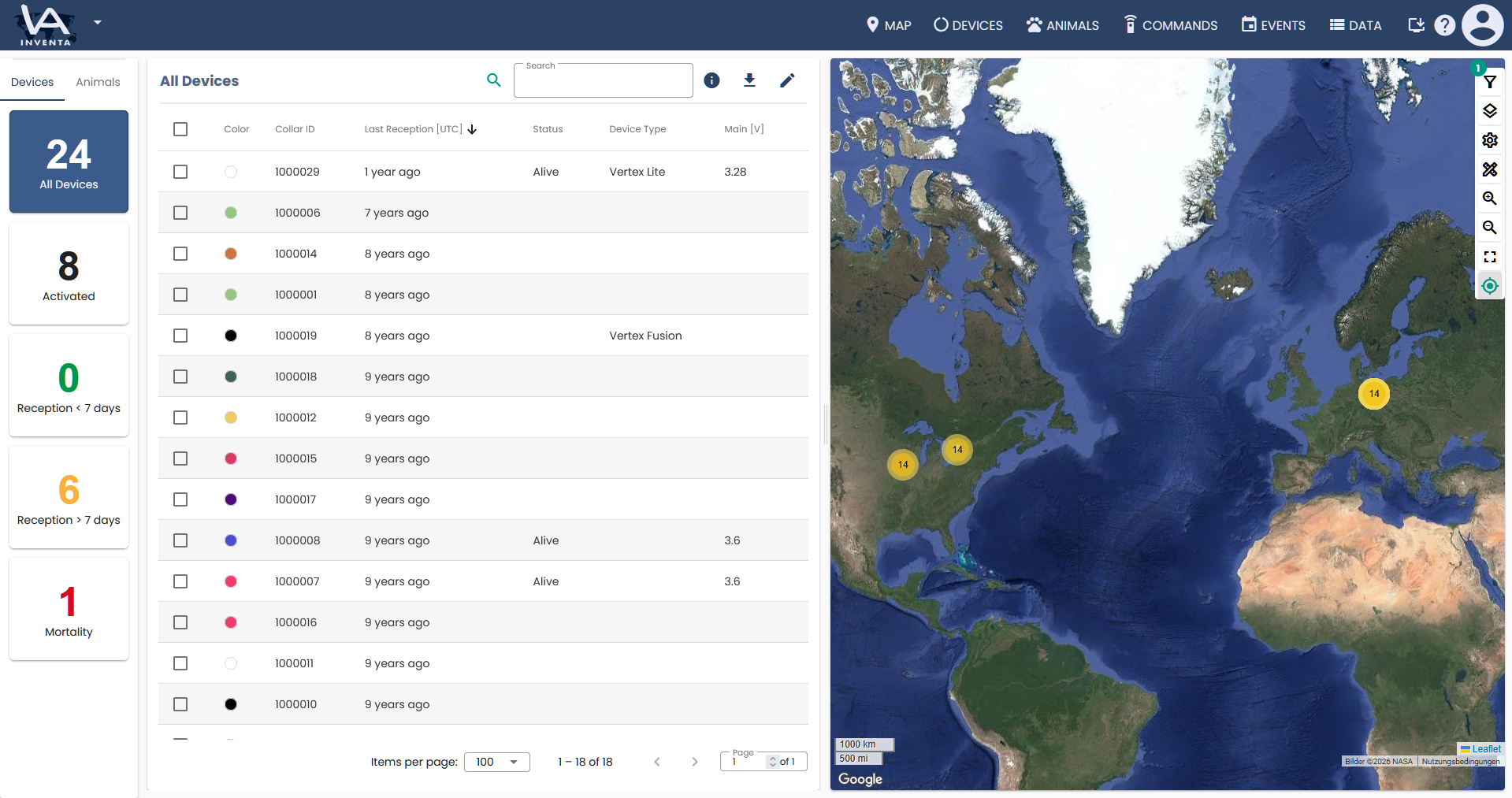
Option 1: Use the Home Screen
With this method you can check the latest position data of all your collars at once. To see more detailed position data please continue with option 2.
At the top right of the map, you will find the map toolbar. Here you can adjust your filters, choose between different view options, measure distances, adjust the zoom factor of the map, reset the view, or automatically snap all positions to the center of the screen.
Option 2: Use the maps page
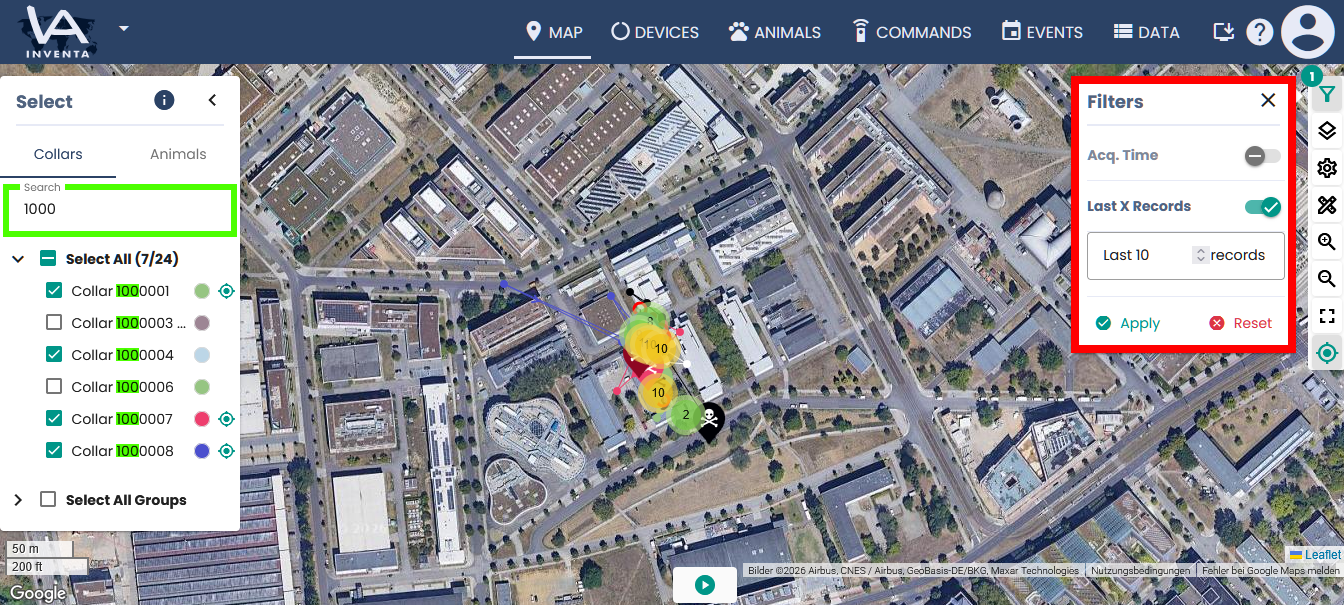
Just to the left of the map you can select the collars whose position should be displayed on the map. The search field allows you to show specific collars or in other words hide collars you do not want to view.
To the right of the map are the filters. Here you can select either a number of recent positions or a specific time span in days, weeks, months or years.
Option 3: Use the Collar properties
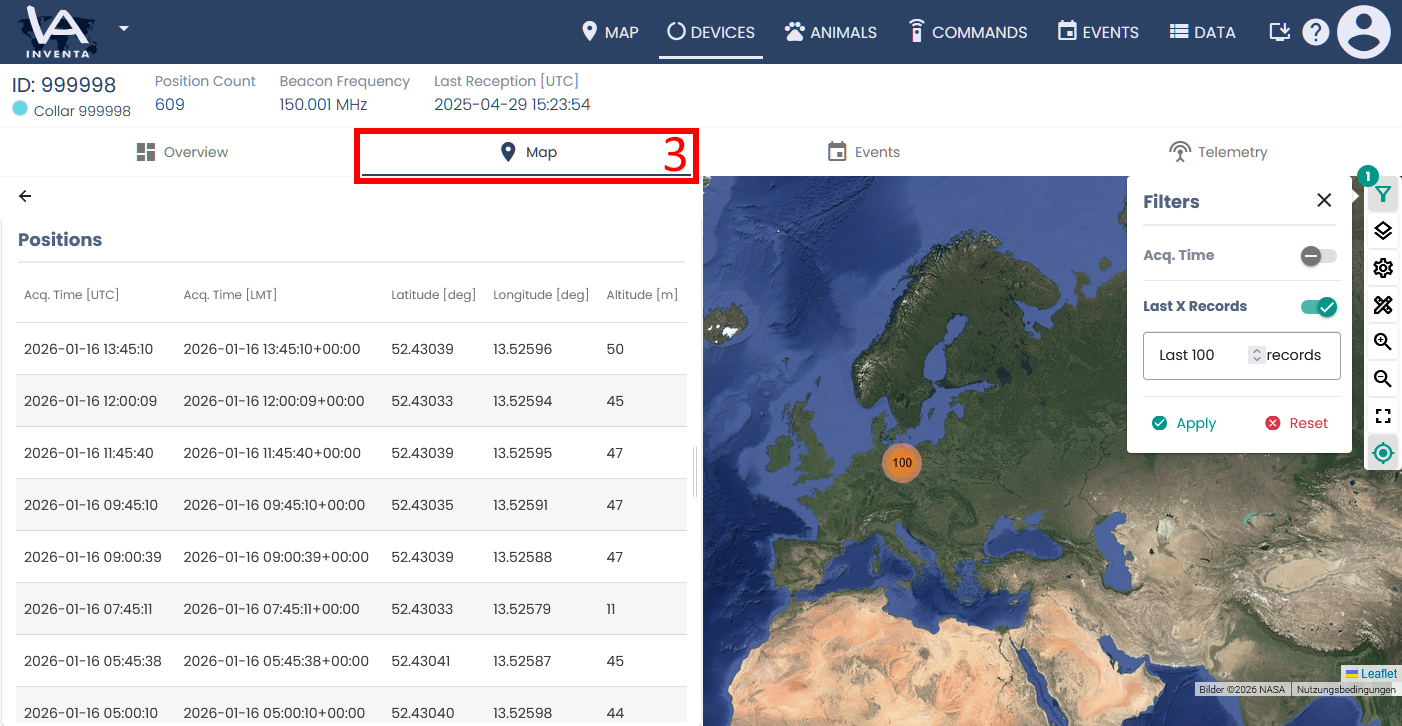
First go to the collars page and then click on the table row with the collar, and open its Collar Properties.
Then select the map Tab. Here the positions of the collars are displayed according to the filter.